The Android 10 comes with many useful features such as Smart Reply for all messaging apps, built-in screen recorder, Wi-Fi sharing via QR codes, Gestures, and everyone favorites is the native Dark Mode. But there is one caveat, you have to manually enable the dark theme from the Display settings. There is no native option to schedule dark and light mode automatically as you can do with the blue light filter.
Enter Automatic Dark Theme, a free app from the developer Charles Annic, which lets you do exactly that. For instance, it can automatically schedule dark mode turn on at 10 pm and switches back to light at 7 am. I tried this app on our Pixel and for some reason, it didn’t work. However, it worked fine on my Pixel 3
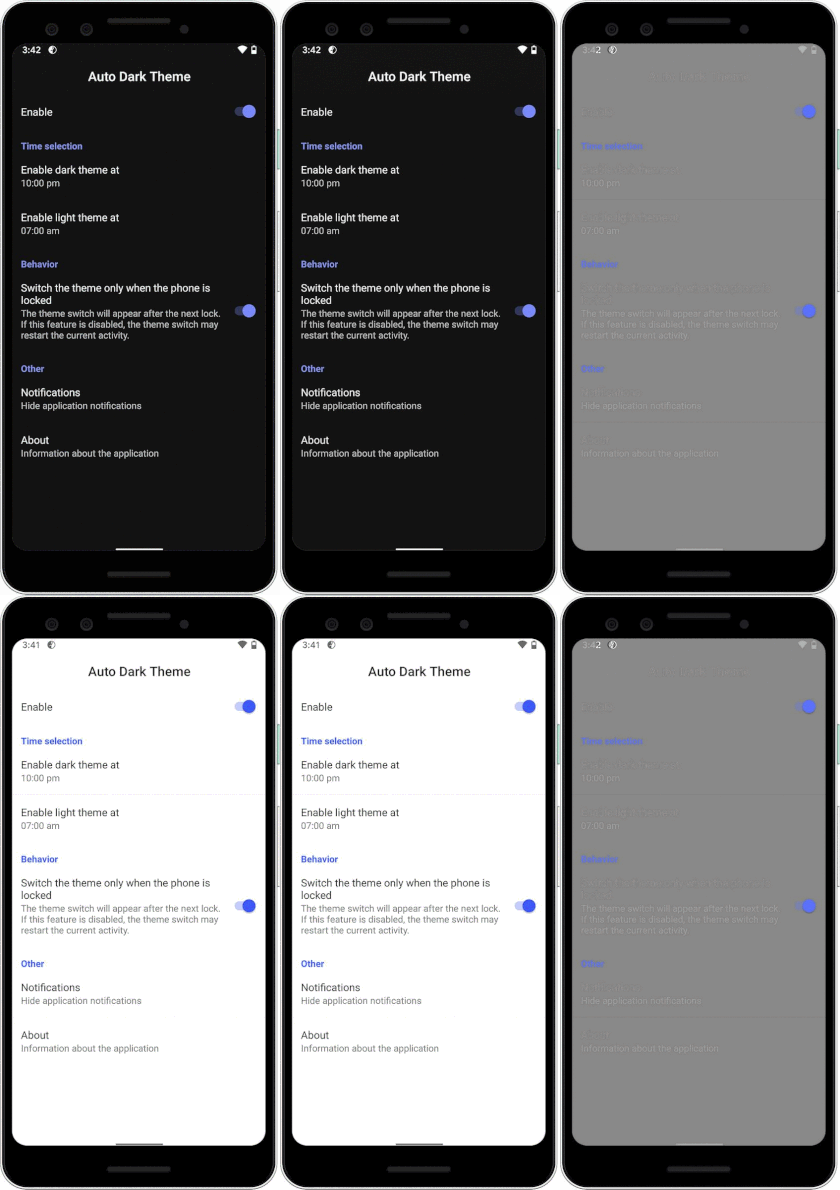
The app gives you instruction on how to set it, but in general, you need to go through these instructions.
- Download Automatic Dark Theme for Android 10 from the Google Play Store
- Enable USB debugging on your Android phone from the Developer settings
- Connect your phone to your computer via USB cable
- Run the following ADB command using the command prompt on your computer.
adb shell pm grant com.cannic.apps.automaticdarktheme android.permission.WRITE_SECURE_SETTINGS
After passing the ADB commands successfully, simply open the app on your phone and tap on the toggle next to Enable button. Next, you can enable/disable the dark mode based on sunrise and sunset or according to the time slots of your choice.
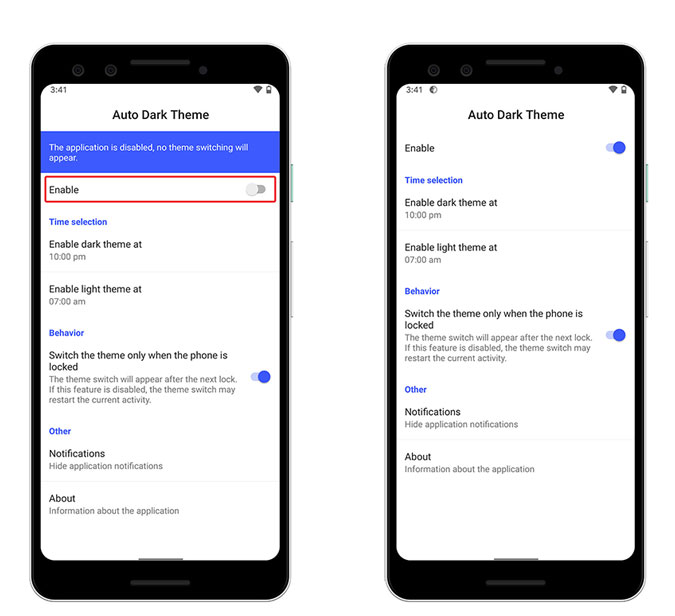
Overall, this app is going to be useful to many users who often forget to toggle their Night mode. As of writing this article, Android 10 is available for all Pixel devices and recently came to OnePlus 7 and 7 Pro. Soon Android 10 will arrive for all popular flagship devices such as the Galaxy S10, Galaxy Note 10, Redmi K20 Pro, Huawei P30 Pro and much more. However, if your device is not in the queue, check out this article on popular Android apps that supports Dark Mode and how to enable it.
