Call of Duty for Mobile released on October 1 and quickly rose to popularity with more than 20 million installs in just twenty-four hours. I personally don’t like the touch controls and COD being developed by Tencent follows the footsteps of PUBG and doesn’t allow you to use a Gamepad. While looking for workarounds, I found a legit way to play COD on the PC using a controller. Let’s check it out.
Play Call of Duty: Mobile on a Computer
This workaround is essentially a virtual environment that simulates a smartphone. Now, before you go install any other Android emulator, I should tell you that Call Of Duty only supports touch inputs and you might have a hard time using an emulator. The emulator by Gameloop is specially designed to play smartphone games on a PC and you’d be able to trick the game into thinking that you’re playing it on a smartphone.
Start by downloading the installer from the Gameloop website with this link. After setting up on your computer, it will begin the installation of the Virtual Machine and then the game. In my case, it took around 20 minutes on 8 Mbps connections, so the COD file size to be around 1 GB, while the emulator should weight around 3 GB.
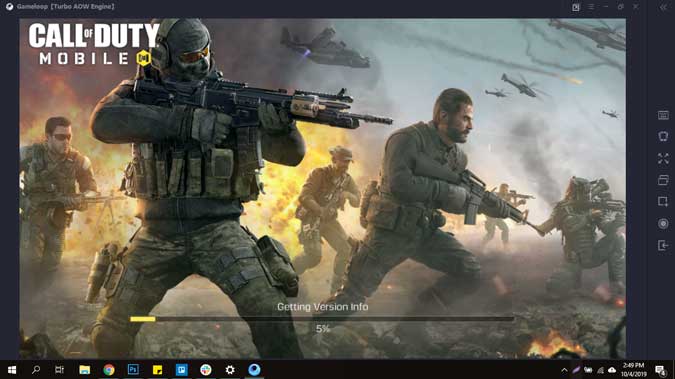
After the game is installed, you’d get the Window with the Play Button. Click the Play Button and the game will load. You would be able to control it with a keyboard and a mouse, just like the regular COD.
The best part about this emulator is that you can also play it with a Controller such as DS4 and Xbox Controller. While the Keyboard and Mouse Controls are already programmed in the application, you’d have to manually map each and every key on the Screen. You can do this by clicking the keyboard controls button on the right pane and selecting the Gamepad option.
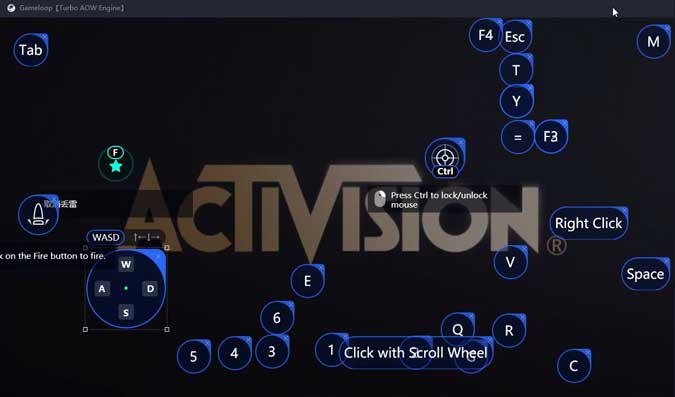
I played COD using the Keyboard and the Controller and both work equally well. However, the entire game runs really heavy and consumes significant resources of your computer. You can log in with your Facebook account and save progress.
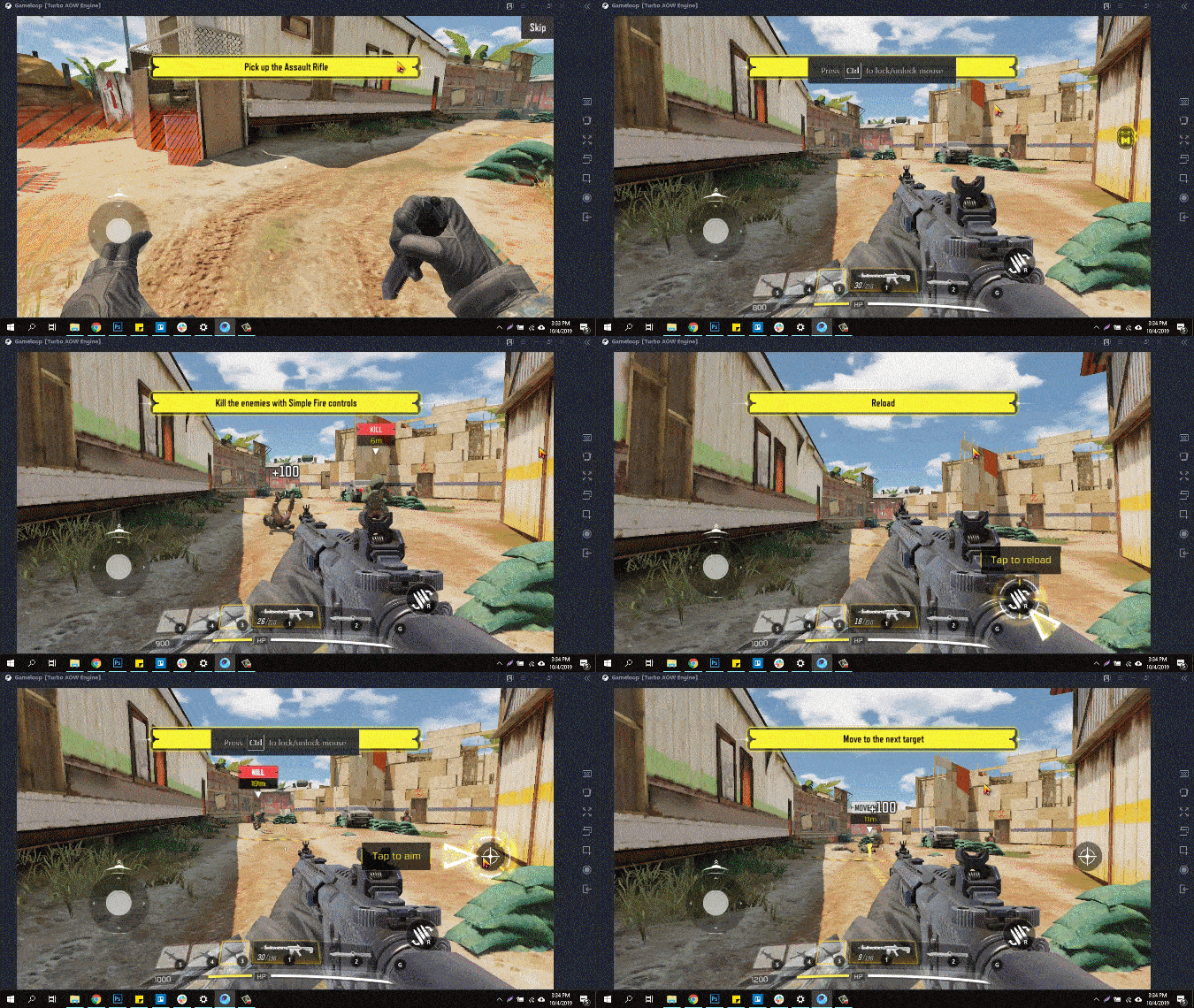
Even though I prefer this game on the PC and is a legit way of playing the game, I am not sure if Tencent and Activision would allow you to play the game once they figure out the game is emulated? Try it and let me know your thoughts on this method of playing Call of Duty on Mobile in the comments below.
