
 Published: November 24, 2026


Brick a House Codes give you free Gems, which you can spend on Classes and boosts during your run. The codes also give you a free pet Egg and Wheel Spins, which you can use to get more rewards! There's a new challenge every week as the devs release new updates, so get your free rewards now. Here are all the codes you can redeem in Brick a House.
All Active Brick a House Codes
Here are all active codes you can redeem:
- WELCOME - 100x Gems
- WHEEL - 1x Wheel Spin
- EGG - 1x Brick Egg
If you like incremental simulators, check out codes for Garden Cleaner Evolution, Drill to Earth’s Core, and Destroy The Sun. You can also check out our Roblox Codes master list for more codes.
All Inactive Codes
Currently, there are no inactive or expired codes for this experience. Make sure to redeem active ones to get free Gems, Spins, and Eggs.
How To Redeem Brick a House Codes
To redeem your codes, follow these steps:
- Launch Brick a House on Roblox.
- Complete the tutorial if you haven't already.
- Click on the Shop button on the right side of the screen
- Scroll down until you find the codes section.
- Enter your codes in the blank section.
- Press Claim to get your rewards.


How To Use Rewards From the Codes
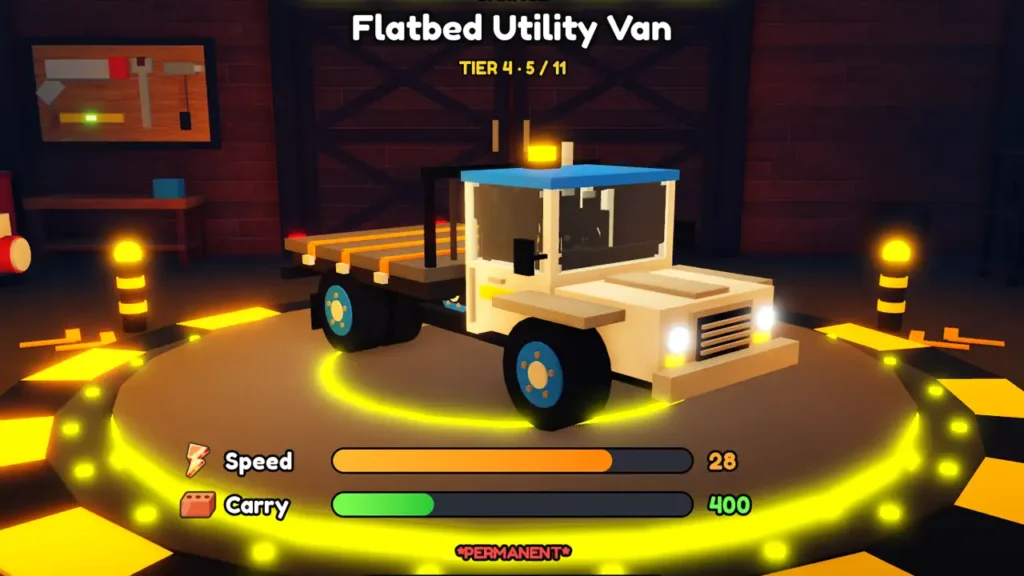
Redeeming Brick a House codes rewards you with Gems, a Brick Egg, and a Wheel Spin. You can spend those Gems on new Classes, Upgrades, or Vehicles. Meanwhile, the Brick Egg hatches into one of five pets that grant permanent buffs, such as extra walk speed.
Where To Find More New Codes
The developers release codes with new updates, bug fixes, and community milestones. You can join the official Nicow Roblox Community Group. Alternatively, you can bookmark this page as we regularly update it with new Brick a House Codes.
FAQs
Codes are case-sensitive and must be typed in all caps. Double-check for accidental spaces before or after the code, or rejoin a fresh server if the shop menu freezes.
You can purchase permanent upgrades like increased Brick Value or get permanent Vehicles.
No, you cannot redeem multiple codes at once.


