
 Updated: September 17, 2026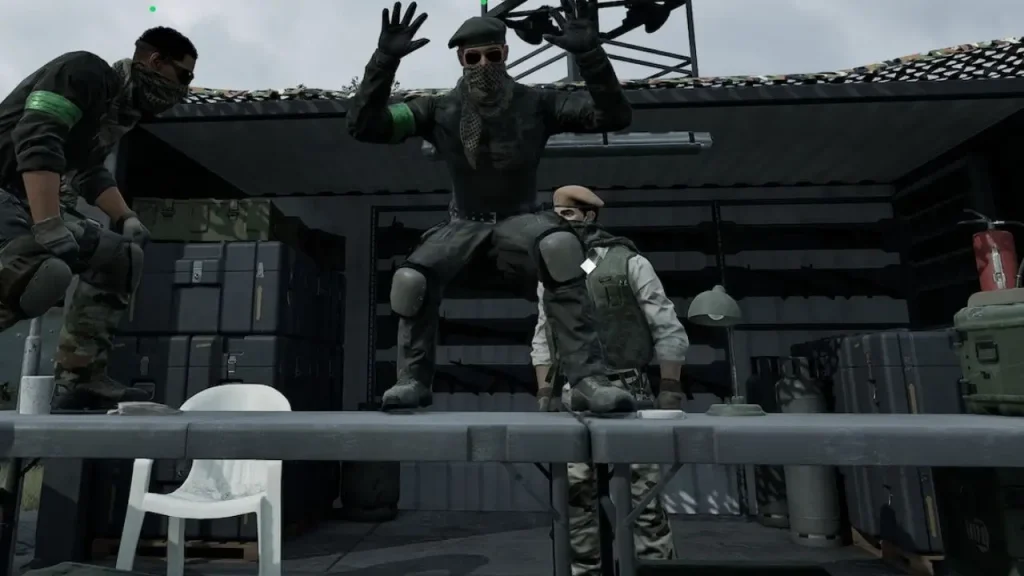

Emotes in WARDOGS let you communicate with other players without using voice chat. You can use basic actions such as pointing, calling for movement, or surrendering, as well as any emotes you have purchased. Here is how to use emotes in WARDOGS the correct way without getting blown to smithereens.
How to Use Emotes in WARDOGS
To perform a basic emote or action, follow these steps:
- Hold the middle mouse button to open the context menu.
- Scroll down while holding the button to move through the available actions.
- Highlight the emote you want to use.
- Release the middle mouse button to perform it.
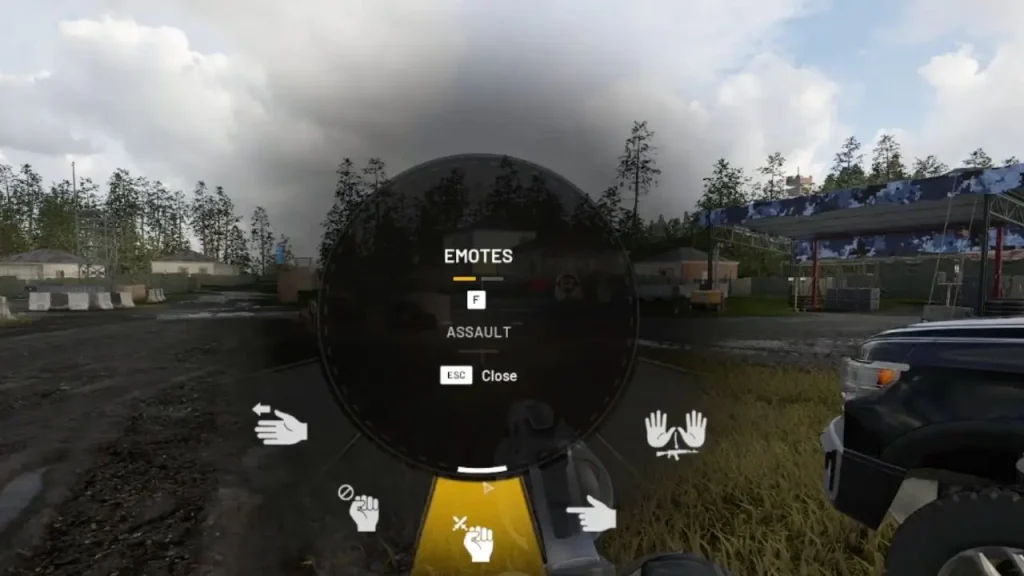
The starting emote wheel includes basic options such as:
- Paper
- Scissors
- Rock
- Move Up
- Point
- Halt
You can also use the menu to perform the hands-up surrender emote action in WARDOGS. If you're going to surrender, it's a good idea to holster your weapon first so you don't accidentally drop it while performing the gesture. That would be stupid but fun.
Also Read:
How to Access Purchased Emotes in WARDOGS
Purchased emotes in WARDOGS can be found on a separate page rather than the same menu as basic emotes. Maybe the devs want you to feel the novelty factor. Open the emote wheel by holding the middle mouse button, then look for the page-switching prompt in the corner of the screen. Press F to switch between the available emote pages. The first page contains the basic emotes that every player gets. Press F to access your purchased WARDOGS emotes.
If the middle mouse button isn't comfortable to use, you can change its binding through Settings > Controls > Keybindings. For more such guides, check out our WARDOGS wiki.
Also Read:
FAQs
Hold the middle mouse button, scroll to the emote you want, then release the button.
Open the emote wheel and press F to switch from the basic emote page to your purchased emotes.
Yes. Go to Settings > Controls > Keybindings and change the middle mouse button binding.


